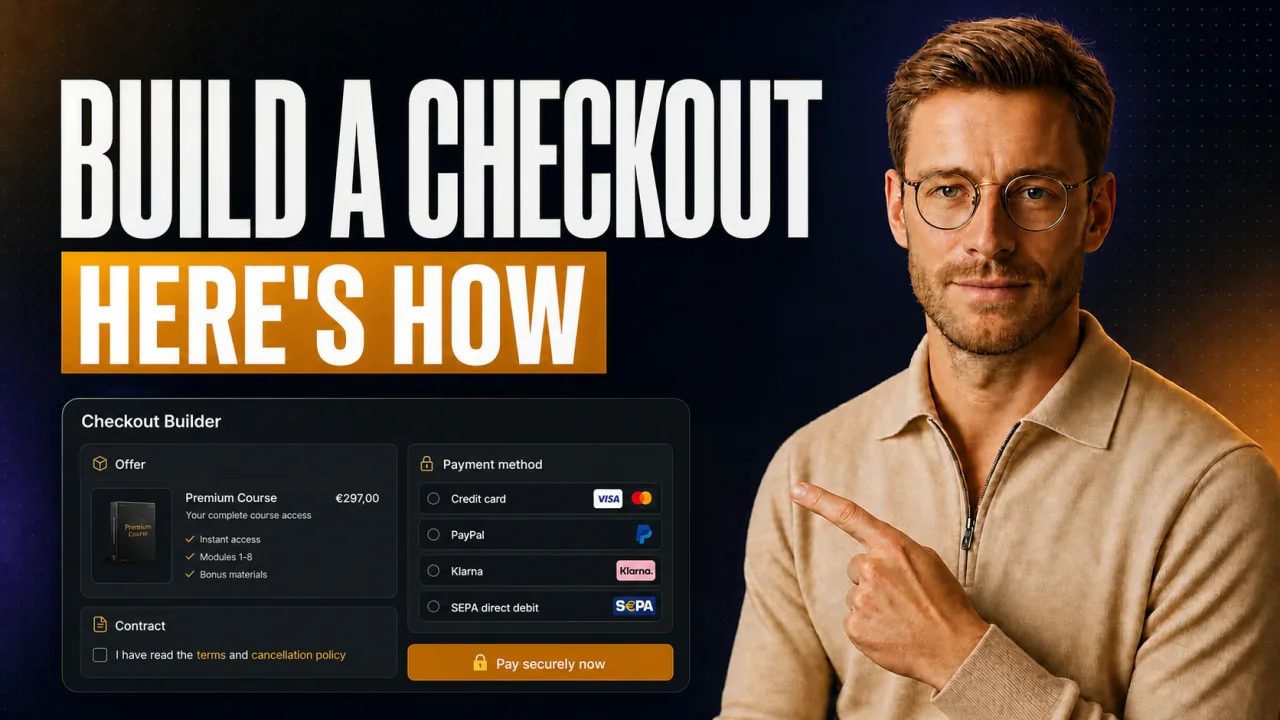
You have a €6,000 offer. But your payment page looks like a cheap course checkout. A High-Ticket checkout page isn't a shopping cart, it's the last step in the sales call. Here you build it so it fits between two calls and still earns trust.
Build the page through your own payment account. Don't use a Reseller platform. That way the money stays yours and the page carries your brand. Reseller platforms are faster to set up, but they cost you a revenue share and put someone else's branding on your checkout.
- Your own checkout page through your account means zero revenue share.
- The page is live in under an hour, set up between two calls.
- Limit: Your account is often active right away, but with Stripe the first payout usually comes only after about 7 days.
- For offers starting at €4,000 sold on the phone, this is the standard.
If you sell €47 products in self-checkout, you don't need to read on here.
What a checkout page for €4,000 offers has to deliver
You sell High-Ticket on the phone or over Zoom. The page only comes once the customer has already said yes.
It only has to do one thing: not blow the close anymore. Clean, calm, credible. One price, one method, one button.
Picture the moment. A customer pays €8,000 and lands on a page with a course look, coupon field and countdown banner included. That backfires instantly. The exact doubt you worked so hard to clear in the call is back in a single glance.
Checkout page (High-Ticket): A payment page for high-priced offers starting at €4,000. It closes a sale that was already created in conversation beforehand. The focus is trust, clear payment, and a contract, not impulse or discount. It usually runs through the provider's own payment account.
The difference from a normal shopping cart is big. Here impulse doesn't count, security does. The customer is handing over a lot of money, so they want to see clean signals.
The first fundamental question: your own page or a Reseller platform? Quick comparison.
Your own page: the upsides
- The money lands directly in your account, with no revenue share.
- Your brand and your domain, no one else's logo in the checkout.
- You control price, payment method, and contract entirely yourself.
Your own page: the catches
- You need your own payment account, which has to be verified first.
- You remit the sales tax yourself, no Reseller takes that off your plate.
- Without the right tool, you piece together contract and installments the hard way.
How to set up the checkout page in under an hour
The process is shorter than you think. You'll have set up the page itself in the time between two calls. The only thing that matters is that you keep the order.
Want to know which payment provider fits coaches? For High-Ticket, there's barely any way around your own account.
The order matters. Switch methods midway and you build the page twice.
- Connect your own payment account, for example Stripe.
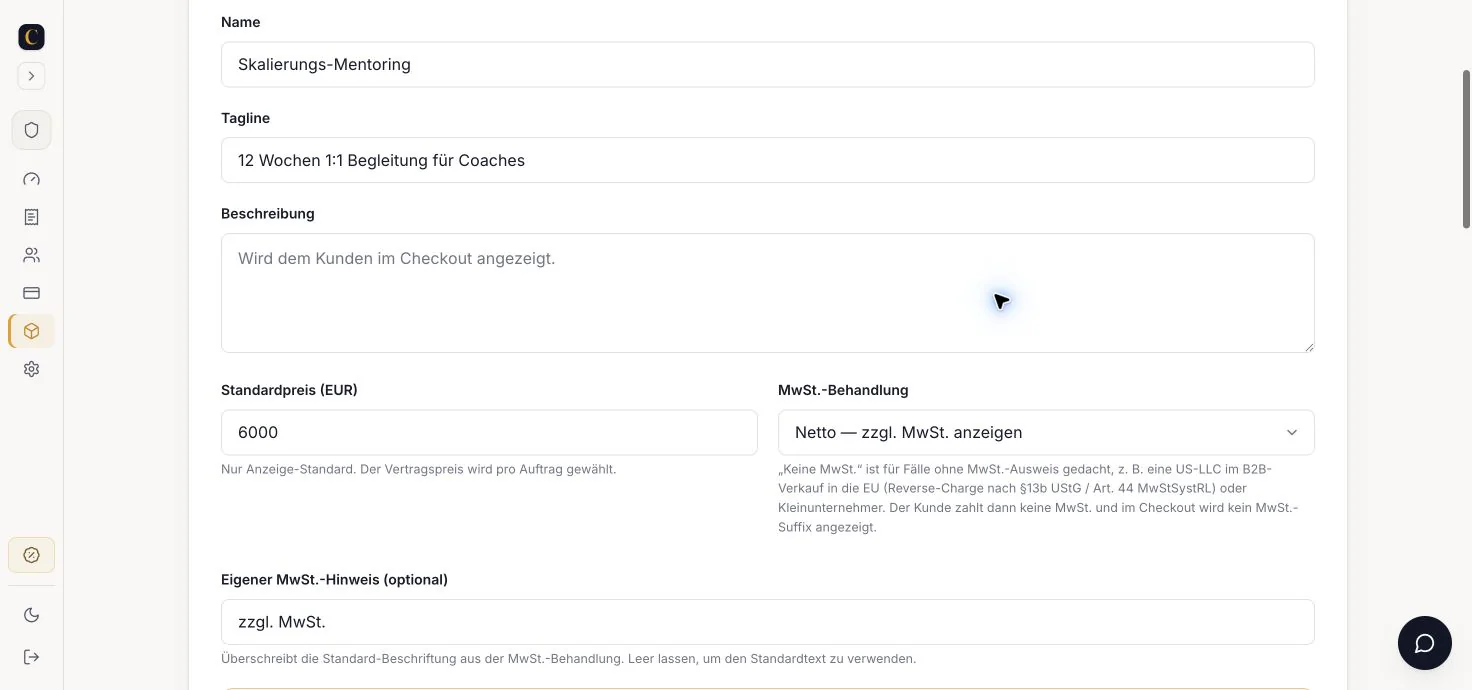
- Create the offer with a name and price.
- Pick the payment methods: card, PayPal, Klarna.
- Turn on the split, in case the customer pays in installments.
- Attach contract and signature to the page.
- Put your domain in front of it and go live.
My hands-on tip
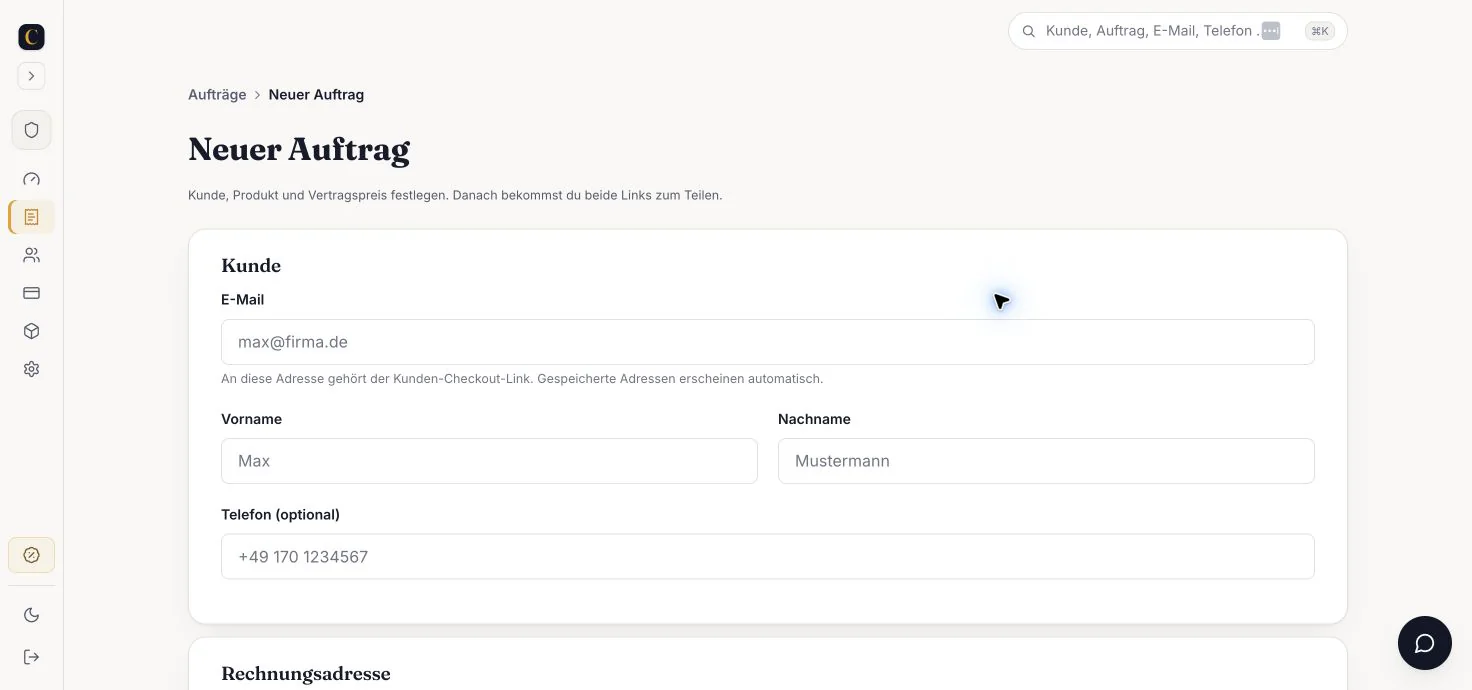
I create a separate page for each offer, not one for everything. That way the customer sees exactly their price during the call. Then I flip the method live while we're still talking.
Adding payment methods and installments cleanly
At €8,000, hardly anyone wants to pay it all at once. Most ask about installments.
Think about the reality in the call. The customer is on the phone and wants to pay now. Friction at this point costs you the close.
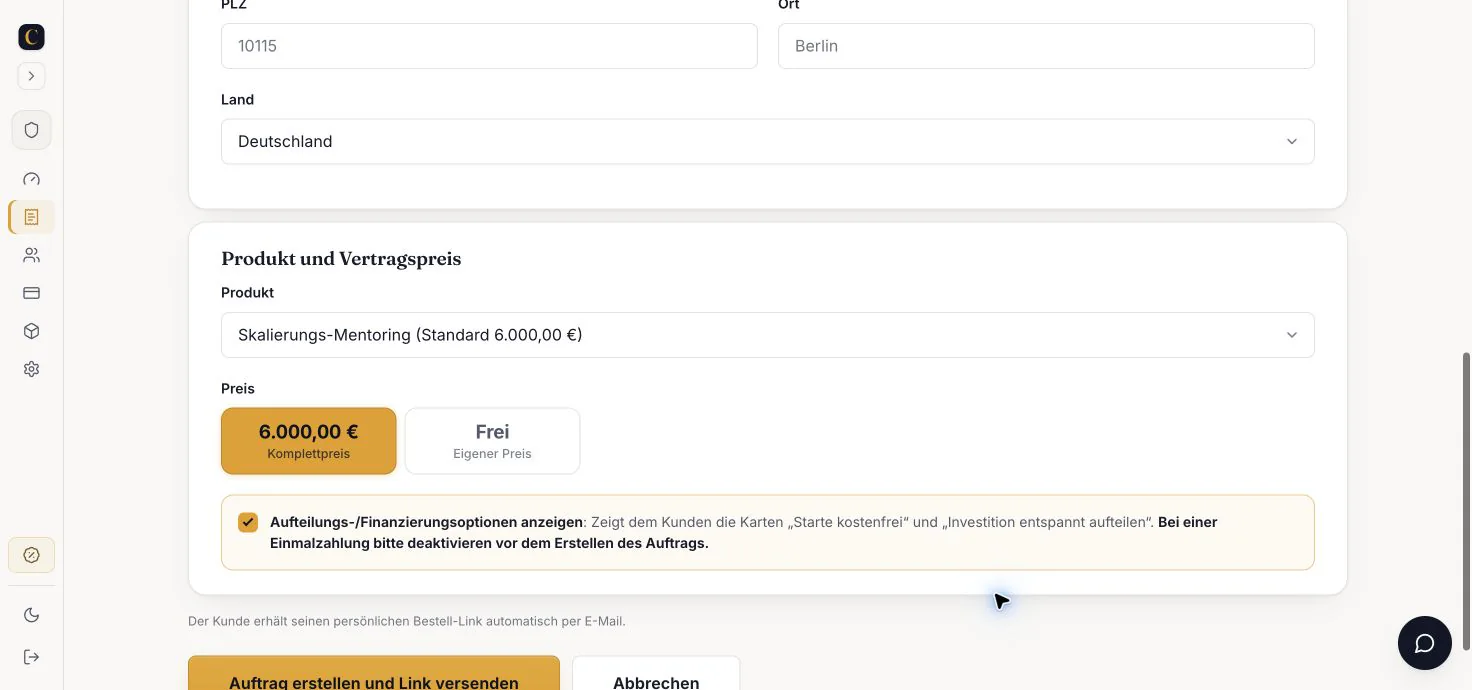
At CloserCart, installments are called the split. It runs directly on your page, without a redirect. Card, Klarna, or PayPal, optionally with a 30-day payment pause.
Okay, quick aside. A clean payment link belongs in the mix too, for when the customer doesn't close right away.
One more point on the methods. Don't offer too many at once. Three clear options are enough, otherwise the customer hesitates.
Now comes the annoying part. If an installment falls through without a contract, you're left empty-handed.
The expensive mistake with installments
Never send an external installment link without a contract. With a split over many months, you otherwise have no recourse when an installment fails. A signed contract in the checkout protects you.
What the full payment processing for High-Ticket looks like is a topic of its own. For the page itself, the clear line is enough: on it or off it.
What belongs on a High-Ticket payment page
| Element | High-Ticket page | Why |
|---|---|---|
| Clear single price | Yes, visible | Creates calm |
| Split into installments | Yes, directly | Lowers the hurdle |
| Contract and signature | Yes, in the checkout | Protects you |
| Discount countdown | No | Looks cheap |
| Upsell popup | No | Disrupts the close |
Signature and contract belong in the checkout
For High-Ticket, a click on Buy isn't enough. You want a signature, especially with installments over several months.
At CloserCart, the signature runs directly in the checkout. With financing, it's enforced, and the customer can't even get to the payment step without signing. At the end you have a signed PDF with an authenticity certificate, timestamp, and IP.
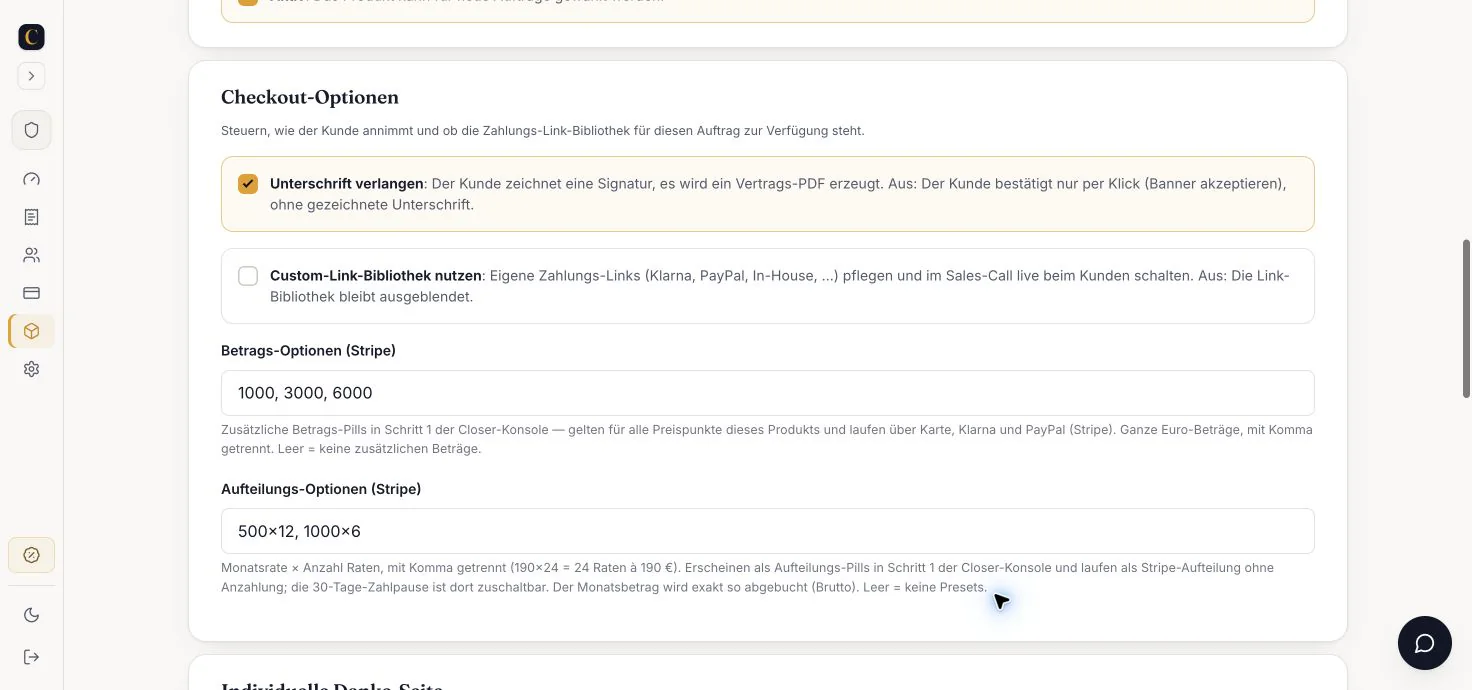
Run the worst case. If installment 4 of 12 falls through without a signed contract, you have no recourse and you're stuck with the remaining roughly €5,000. With a signed contract, you're holding a document that counts in a dispute.
Test the page on mobile before you send it
Most customers open the link during the call on their phone. If the page looks bad there, the moment is gone.
The most common breakage sits right there: On the iPhone, the payment button slides under the on-screen keyboard the moment the customer taps into the card field. They look for the button, don't find it for two seconds, and the momentum from the call is gone.
I click through every new page once completely, on the phone and on the laptop. Price readable, button in the thumb zone, form short. That costs five minutes. Skip it and you'll only notice the flaw when the customer stalls on the phone.
How an ugly page cost me a €12,000 deal
I had a customer in a call. Coaching package, €12,000, he was ready. Then I sent the link.
My old page still ran through a Reseller platform. Someone else's logo sat up top. Below it, a field for a coupon code. He asked right away: Is this legit? Why is there a different company here?
I talked against the page for two minutes. Not pretty. He wanted to think it over again. You know the line.
The next day the rejection came. The deal was gone. The bitter part: It wasn't the offer. It was three seconds of doubt on someone else's page.
After that I changed everything. Own domain, own account, my name in the checkout. The next customer with a similar package paid without a single question. Same offer, different page.
Why making it pretty first is the wrong reflex
Many people spend weeks on colors and animations. Sounds good at first, right? For High-Ticket, that's the wrong lever.
Your customer buys you, not your page. Anyone who tinkers with the design for weeks loses real deals in that time.
Don't get me wrong. Design isn't irrelevant. It just comes second, after live and credible.
The better metric isn't beauty. It's this: How fast can a credible page with your name on it go live? A calm, clear page on your domain beats any design flourish. Every time.
The trap: I used to spend two weeks polishing a page. In that time, my deals kept running through the old Reseller page, someone else's branding and all.
The fix: Today I put a plain page live first. I improve the design later, once the revenue is already coming in.
What I'd do in the first 7 days
Enough theory. Here's my process for a week. At the end, your page sits on your own domain.
Without a verified account, your page sits idle on the day of the call. So start on that right away.
- Create your own payment account and start the verification.
- Define your core offer with a price cleanly.
- Build your first checkout page through your account.
- Set up the split and payment pause for installments.
- Attach a contract with a signature to the page.
- Put your own domain in front of the page.
- Test it live with a real customer in a call.
Quick check before going live
- Price and offer match the call exactly
- Card, PayPal, and Klarna are active
- The split is tested, including the payment pause
- The contract is enforced with financing
- Your domain and your name are visible
Frequently asked questions about the checkout page
Can I move active Reseller deals to my own page?
New closes you handle through your own account from now on. Active installment plans on a Reseller platform you usually let run out there, because the payment is already tied up. Set up your own page for all new deals and, right after, a thank-you page, so the customer sees the next steps.
How long does the setup really take?
The page itself is live the same afternoon. The bottleneck is the verification of your payment account: The account is often active right away, but with Stripe the first payout usually comes only after about 7 days. Factor that in before you want to close the next deal.
Can I offer installments directly on the page?
Yes. The split runs embedded on your payment page, without a redirect. The customer pays by card, Klarna, or PayPal. Optionally, you add a 30-day payment pause.
Is it worth it compared to a Reseller platform?
For High-Ticket, yes. You save the revenue share and keep your brand. A Reseller platform is faster to get going, but it costs you money per deal and shows someone else's branding.
Your checkout page through your own account
CloserCart builds your checkout through your own payment account. The money lands directly with you, with zero revenue share and your brand in the checkout.
Start now for €1 14 days for €1. Cancel monthly. 0% revenue share.