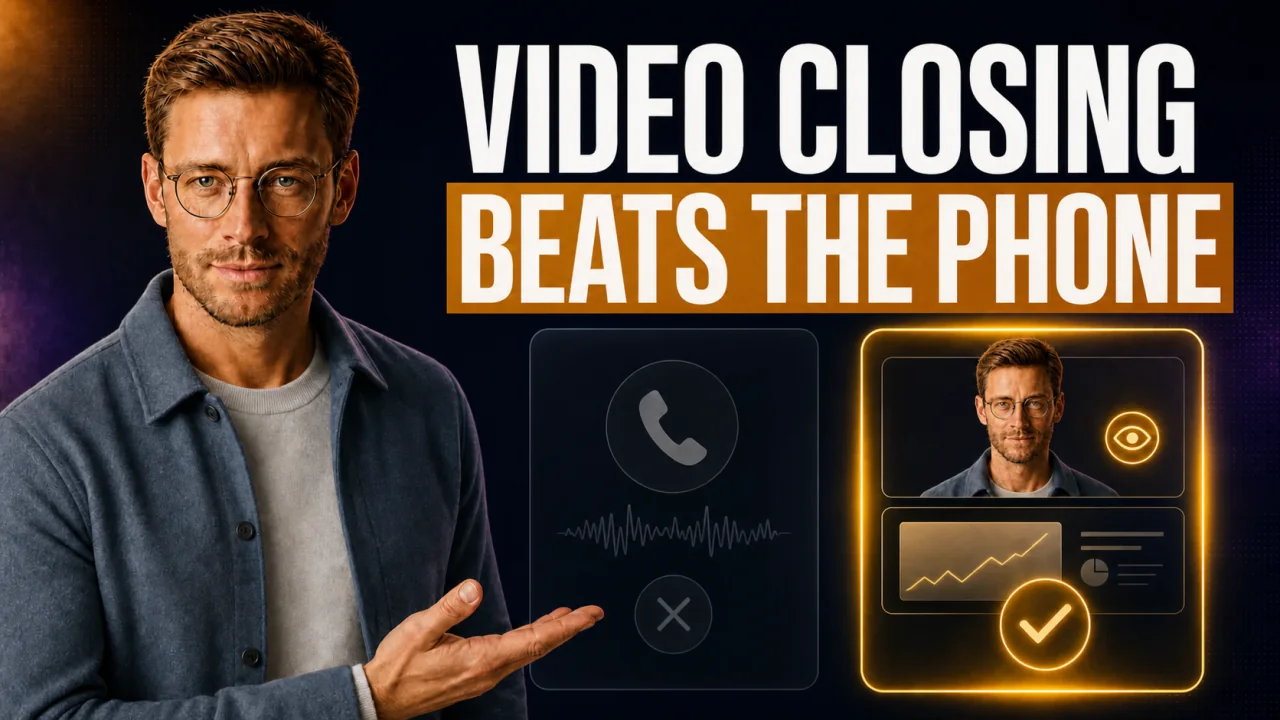
On the phone the prospect nods, says I'll get back to you, and vanishes. On camera that happens far less. If you actually want to close high-ticket, remote closing belongs on video, not on a plain phone call. Here is what changes on a video call and how you close the deal right there in the room.
Do remote closing on video, drop the plain phone call. On camera you read body language and keep the energy up. That is how you close the deal in the call instead of in the follow-up.
- Camera on means reading body language: raised eyebrows and leaning back give away doubt.
- Screen-sharing on price keeps the prospect in the moment instead of letting him drift off.
- Biggest limit: a weak setup on audio and light costs you authority.
- Next step: keep the payment link ready in the call so the yes turns into cash on the spot.
If you sell your offers entirely without a call through a cart, you can stop reading here.
Video call or phone call for high-ticket
| Criterion | Video call | Phone call |
|---|---|---|
| What for | Planned closing call | First contact and callback |
| Strengths | Body language, screen-share, presence | Fast, low hurdle, anywhere |
| Weaknesses | Needs setup and a camera yes | You read nothing, prospect drifts |
| Best moment | Price and close | Setting the appointment and qualifying |
The camera is not decoration, it is your reading device
Without a camera you sell blind. You hear a yes and cannot tell if it is real. On camera you see the answer in the face.
Raised eyebrows are an uncertainty tell. When someone leans away from the camera, the doubt is growing. Leaning in means interest, I learned that from operators like Cole Gordon and Jeremy Miner.
Even in the discovery call and its qualifying questions the camera shows you who is really listening. If the camera stays off, you guess the whole call. You only catch the doubt once he has already said no.
Getting the camera on is a craft. Never ask for it in a controlling way. Play a little confused instead, that takes the pressure off.
What video gives you
- You read body language and micro-reactions live.
- Screen-sharing keeps the prospect in the moment.
- Presence and trust rise with no extra effort.
Where video slows you down
- A weak setup costs you authority right away.
- Camera refusers you have to crack first.
- A tech glitch can blow up the flow.
What remote closing is, and whether it is legit
Let's be honest. Remote closing carries a lot of hype and even more skepticism. Time for a sober take from someone who actually sells this way.
Remote closing: Remote closing means closing high-priced offers over video or phone, with no in-person meeting. A closer walks the customer through need, offer, and price on a video call and closes the deal right there in the call. Tickets usually start at $4,000, with contracts running into five figures.
Remote closing is only one part of the bigger picture. How the whole high-ticket closing process is built out is laid out in the guide.
Myth
Remote closing is just an internet hype train.
Reality
The scam complaints on Reddit are aimed at the course sellers, not the method. Closing over video has long been standard in B2B sales. It stays legit through real offers, clean contracts, and payments that land traceably in your account.
Write the method off as hocus-pocus and you give away the most reliable closing channel there is right now.
Energy over video: leaning in beats leaning back
On the phone the prospect can drive a car on the side. On camera he cannot. Video forces both sides to be present.
The structure of the sales call stays the same on phone and on video. The difference is the energy in the room. That is exactly where you lose deals, because you cannot hold them on the phone.
The trap On a day with seven calls I saved energy on audio. The prospect sat in his car and drifted off. After ten minutes came the polite I'll get back to you.
The fix Since then every real closing call runs on video with the camera on. I see immediately whether someone is present. Whoever has to drive gets a new appointment instead of half a call.
And yeah, I have blown this myself. The small signals tell you when to slow down and when to push.
What you see on the video call and how you react
| Signal | Meaning | Your reaction | Critical |
|---|---|---|---|
| Eyebrows up | Uncertainty | Slow the pace, ask | Before the price |
| Leans away | Doubt is growing | Name the objection openly | After the price |
| Camera stays off | Not present | The playful camera route | From the start |
Screen-share on price and the close in the call
Screen-sharing changes the price conversation completely. You show the offer instead of reading it out. The prospect reads along and stays in the moment.
The close belongs in the call now. Not in the email afterward. A clean system for following up after the sales call without the beggar frame saves the rest, but the call is the best moment.
For that you need the payment link within reach. One link where you switch price, installment, and method live.
That is exactly what a closer console behind a single customer link makes possible. Which closing technique actually closes in the call is a topic of its own.
The expensive mistake after the yes
The verbal yes is not cash. Whoever does not close the deal in the call sends the link by email afterward and waits. That is exactly where the $20,000 deal cools off and you never hear back.
My move on price
I share the screen exactly on the price. The prospect sees the number and the offer at the same time. That way the amount is never a naked word in the room. Right next to it the payment link sits ready. The yes becomes a payment in the same minute.
If the link is missing in the call, your momentum frays and the customer may never pay at all.
The call I do not forget
A prospect for a program around $22,000. Strong need, clear pain, everything fit.
We were on the phone because he was on the move. The camera was off because he sat in his car.
I ran the call anyway. Big mistake. I heard a yes on the price and was happy.
What I did not see was his face in that moment. Whether the yes was real or just polite, I could not read.
He said he would wire the money that evening. I sent the link by email and hung up. That evening nothing came.
The next day a short message. He wanted to think it over after all.
Two weeks of follow-up later he was gone. No bad blood, just gone cold.
Had I had him on video, I would have seen the doubt and cleared it in the call. And had I shared the payment link in the call, he would have paid in the minute of the yes.
Since then one rule holds with me. The closing call runs on video or it gets rescheduled.
Why you should not crank it up on video
The common advice goes: on video you have to be high-energy, smile nonstop, in a peak state. That is where most people trip. On deals over $15,000 nobody buys from the hyped-up salesman.
Calm certainty beats hype. A founder with eight-figure revenue does not buy a program from a hyped pusher. He buys from the calm expert who is sure of himself.
The better yardstick is not your volume. It is your close rate on the hard deals. Crank it up artificially on video and the prospect smells the salesman and shuts down from minute one.
What I would do in the first 7 days
You do not need to buy anything new. You need to sharpen your setup and your flow. Skip this base and you come across unprofessional in the very first call.
- Set up your video cleanly with light from the front and the camera at eye level.
- Watch your last three call recordings and pay attention to eyebrows.
- Rehearse the camera-on route out loud until it sounds easy.
- Prepare the screen-share for the offer and make the price clearly visible.
- Store the payment link so it is ready instantly in the call.
- Deliberately put the next closing call on video.
- After the call, note down where the prospect had doubts.
Your video-close checklist
- Camera at eye level and light from the front
- Audio checked quickly before every call
- Screen-share for the offer ready
- Payment link within reach in the call
- Plan for the camera-on route is set
- The close happens in the call, not by email afterward
Common questions about remote closing
Is remote closing legit?
Yes, the method itself is legit. Closing over video is standard in B2B sales. It only turns shady through empty promises and dubious operators. With real offers, clear contracts, and traceable payments, remote closing is a solid model for high-priced offers.
Video or phone for high-ticket?
Both have their place. The phone fits the setting and the first contact. The actual closing call you do on video, because there you read body language and share your screen. On five-figure deals you want to see who you are talking to.
How do I get the customer's camera on?
Never ask for it in a controlling way. Play a little confused and say you cannot see his video. The reflex to fix that often flips the camera on by itself. A light joke about pajamas helps on top, because after that almost nobody leaves the camera off.
Can I really close a $20,000 deal in the call?
Yes, and that is exactly the goal. Share your screen on the price and keep the payment link ready. Whoever turns the verbal yes into a payment in the same minute does not lose the deal in the follow-up. A link waiting in an email, by contrast, cools off fast.
One link where you steer live
With CloserCart you send one link and switch price, split, and method live in the call. That way the yes on video turns into a payment right away.
Start now for €1 14 days for €1. Cancel monthly. 0% revenue share.