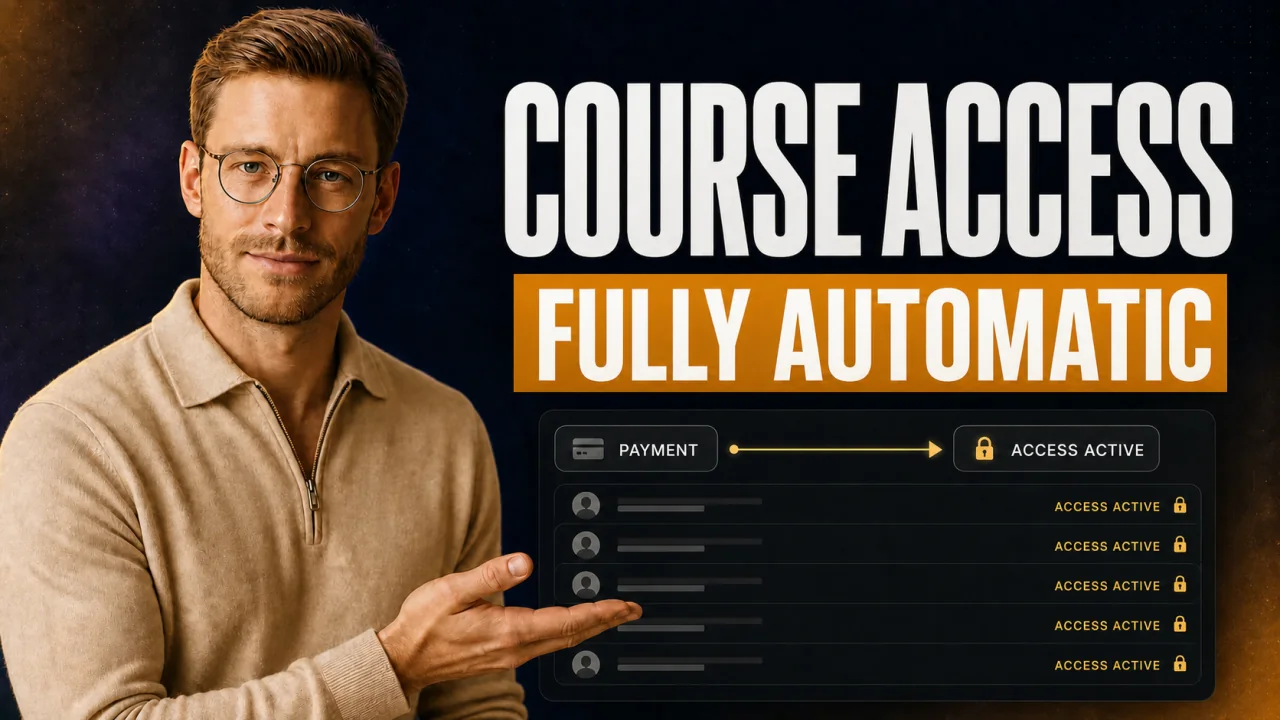
The customer says yes on the Zoom call, drops €8,000, and then he waits. For the login details you'll send by hand sometime tonight. It's exactly in that gap between the yes and the access that the trust you just built on the sales call falls apart. Here you'll read how Circle access opens up on its own right after the first payment.
Automate access instead of unlocking by hand. The customer should get in the moment they pay. Every minute of waiting cools off the buying high from the call.
- Automatic Circle access means: pay, account active, in. Without you lifting a finger.
- With installment payments, the first installment is enough to trigger access.
- Circle stays your course platform. CloserCart is the Checkout that collects through your own Stripe account and unlocks access.
- The setup takes one session, not one week.
If you deliver your courses by email with a PDF attachment and don't use a platform at all, you can stop reading here.
Why manual unlocking costs you real deals
Picture the flow. The customer pays at 10:14 PM, right after your call. You get the Stripe email, but you're already asleep.
The next morning you invite him to Circle. So the customer sat in a hole for more than ten hours. Freshly paid, highly motivated, and nothing happens.
Let's be honest: with an €8,000 purchase, that's the worst possible time to wait. This is exactly where the second-guessing starts. And second-guessing after the sale is the beginning of every refund request.
The expensive mistake: treating access as an afterthought
Anyone who grants access by hand will eventually produce a forgotten customer. A single overlooked weekend purchase can set off a support escalation and, in the worst case, a Chargeback request.
What automation gets you
- Access in seconds, even at night and on weekends
- No forgotten customer, no awkward follow-up
- The strong first impression from the call sticks with the customer
Where you still need to be careful
- Set it up cleanly once and truly test it once
- Circle token and Access Groups have to be mapped correctly
- With failed installments the grace period kicks in, no manual chasing
What automatic Circle access actually means
Quick framing so we're talking about the same thing. Circle is your course platform, that's where your content and your community live. The Checkout is the thing where the money comes in.
Honestly, Circle can even collect payments itself through its own paywalls. But Circle adds a transaction fee on top and offers no real installment payments with dunning. That's exactly why you put your own Checkout in front of it.
With CloserCart, the payment runs through your own Stripe account, with no revenue share. As soon as the payment goes through, the Checkout tells Circle: create an account for this buyer and give them the right areas. The customer gets his login and he's in.
This is a standard building block when you sell digital products. The key is the clean separation. The Checkout doesn't replace Circle, it just feeds it.
Automatic course access: A link between the Checkout and the course platform that creates an active account for the buyer immediately after a successful payment. The incoming payment is the trigger. There's no manual inviting, no email with login details, and no waiting between the purchase and the first login.
How to set up automatic access
The process is shorter than you think. You need your Stripe account, your Circle space, and a few minutes. In exactly this order.
- Connect your own Stripe account to the Checkout. That's your payment foundation.
- Create a v1 API token in Circle and add it in CloserCart.
- Map your Access Groups and spaces to your product, so every buyer gets exactly the areas that belong to their purchase.
- Make sure the first incoming payment triggers access. In CloserCart that's the fixed default, you don't have to change anything.
- Test the entire path with a real test payment.
- Check in Circle whether the account and the Access Groups were assigned cleanly.
After that you forget about the whole thing. Every purchase runs the same way from now on. That's the point where, once you've seen it, you never want to go back.
My practical tip from setting it up myself
I test every new funnel with a real payment before it goes live. That way I see exactly what the customer sees after the click. A screenshot of the finished Circle account then goes into my docs, so I don't have to guess with the next product.
Installment payments: the first installment unlocks access
You rarely sell High-Ticket in one lump sum. Many customers take the split, meaning installment payments. In CloserCart this feature is called split, but people still search for installments.
The question is always the same. Does the installment buyer get in right away or only after the full payment? With CloserCart the first incoming payment is enough, whether it's card, installment, or a manually confirmed bank transfer. Anything else would punish paying customers.
This also fits your pricing logic. If you set your coaching prices wisely, the split is a sales lever and not a risk.
Manual vs. automatic unlocking
| Aspect | Manual | Automatic |
|---|---|---|
| Time to access | Minutes to hours | Instant |
| Source of error | Forgetting, typos | None |
| Nights and weekends | Customer waits | Keeps running |
| Effort per purchase | Manual work every time | Zero |
The trap: I used to have one-time payers in automatically and unlocked installment buyers by hand. One installment customer waited two full days because I missed his first installment in my inbox.
The fix: A single trigger for everyone, the first payment. Since then there's no difference in getting in between one-time and installment buyers.
The evening I almost lost a 12k customer
Short story, actually happened. A customer had said yes to €12,000 after a long Zoom call. He paid that same evening, around 11 PM. I was already offline and knew nothing about it.
The next morning I had three messages from him. Whether the payment had arrived. Whether this was legit. Whether he'd picked the right provider. A customer who just wired five figures doubts everything after a few hours of silence.
I reassured him, invited him manually, and apologized. He stayed, but the start was poisoned. A high had turned into nervousness. That's exactly the point where I automated the unlocking and never touched it again. Not pretty, but an expensive lesson. Today the customer is in the moment the money goes through. No doubt, no panic message, no poisoned start.
Forget the perfect welcome email
The usual advice is: build a beautiful, long onboarding email. Sounds good at first, right? Except it doesn't solve the actual problem.
The most beautiful email is useless if it only arrives while the customer is already waiting. The more important lever isn't the copy, it's the time to access. Measure your time-to-access, not the length of your email.
If access is there instantly, a short, clear welcome in the space is enough. The rest of your customer onboarding then kicks in once the customer is already inside and settling in. First open the door, then talk.
What I'd do in the first 7 days
If you're starting today, go in this order. The numbers are your days, you don't have to do it all at once.
- Set up automatic access and test it through yourself once.
- Buy your way completely through your own funnel, like a real customer.
- Measure the time between payment and first login.
- Write a short welcome in your Circle space.
- Check whether installment buyers get the same access as one-time payers.
- Have someone you know double-check the purchase path.
- Go live and watch your first real customer closely.
Before you go live, run through this
- Stripe account connected and a real test payment successful
- Circle token added and Access Groups mapped per product
- Access opens on the first installment, not only at the end
- Welcome message in the space is ready to go
- You're clear on the 7-day grace period for failed installments
Frequently asked questions about automatic Circle access
Does an installment buyer get access right away?
Yes. The first incoming payment triggers access. The installment buyer gets in just as fast as a one-time payer. Anything else would punish paying customers and create unnecessary support.
What happens if an installment fails?
With CloserCart there's a grace period of 7 days. If the customer doesn't pay by then, the system revokes the Circle access automatically. If the payment does come through after all, access is restored automatically. In parallel, automatic dunning runs through your own sender address.
Does CloserCart replace my course platform?
No. Circle stays your course platform, that's where your content lives. CloserCart is the Checkout in front of it. Circle could collect payments itself through its paywalls, but it takes a transaction fee on that and offers no real installment payments with dunning. CloserCart runs through your own Stripe account.
How long does the setup take?
Usually a single session. Connect Stripe, add the Circle token, map Access Groups, and test it for real once. After that, every purchase runs automatically the same way.
Does the customer pay through my own account?
Yes. The Checkout runs through your own Stripe account. The money lands directly with you, with no revenue share and no outside Reseller in between. You also create the necessary digital product independently of this.
Course access that opens on its own after the sale
CloserCart unlocks your buyer in Circle right after the first payment. No manual inviting, no waiting, all through your own Stripe account.
Start now for €1 14 days for €1. Cancel monthly. 0% revenue share.